A Runtime Parameter is a typed value you supply when a job runs, not when you write the definition. Open Resources → Runtime Parameters, click + New Runtime Parameter, set a Type and an Alias, add a description and group, and create. Then reference it from a definition and set its value on each run.
## What is it?
A **Runtime Parameter** (often shortened to **RTP**) is a shared building block registered under **Resources**. It is a parameter you configure dynamically during analysis.
For example, to define a Feature like "inquiries in the last X months", set `month` as a Runtime Parameter inside the Feature definition. When you run a job on the Feature, set `month` to 6, 12, or any other value, without editing the Feature.
The same applies to thresholds. A Model that reads a `min_fico` Runtime Parameter shows a field in the job form where you type the cutoff for that run, such as `680`. See the dependencies section of [Run a Simulation](/user-guide/how-tos/run-a-simulation/).
Runtime Parameters do not go through an approval workflow and cannot be shared with individual users; see [Share an Object](/user-guide/how-tos/share-an-object/).
## How to Register
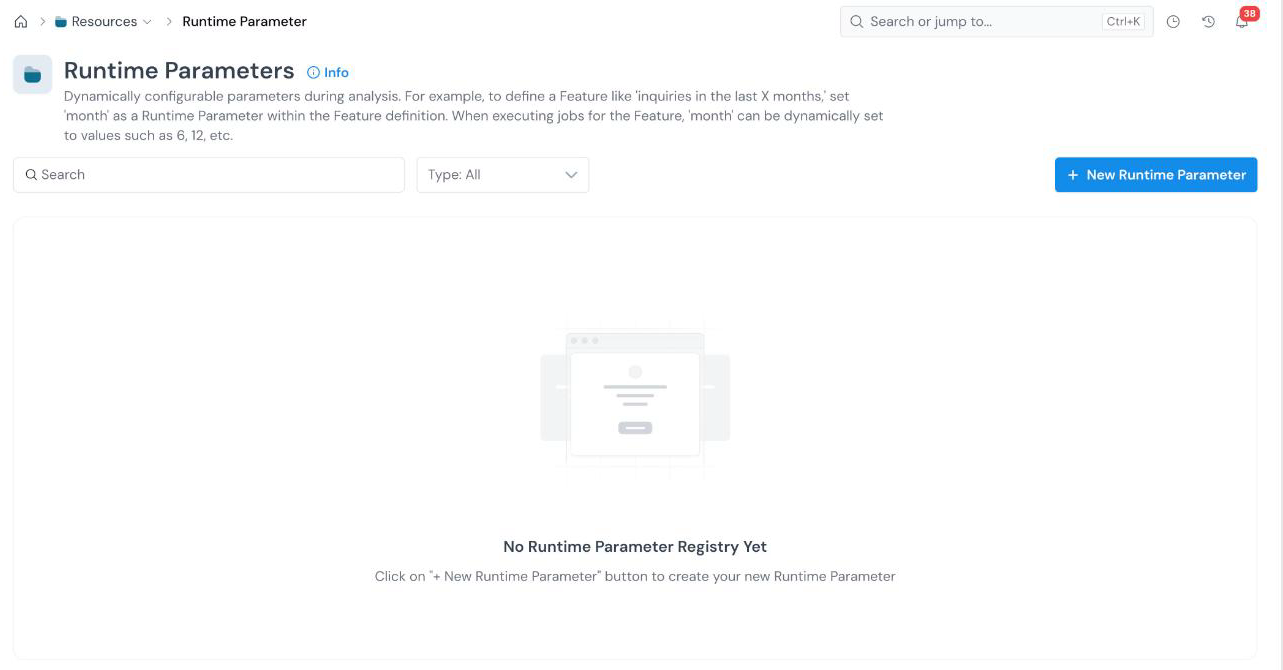 Use the search box and the **Type** filter to find existing parameters. The form opens with an editable name at the top left (**New Runtime Parameter**). Click the pencil icon and type a descriptive name.